
We ran an AI visibility check on our own site: 71 to 91 in an afternoon
What an AI reader got wrong about guidestone.io, the fixes that moved our score 20 points, and how to run the same check on your own site.
By Carl Keyser ·
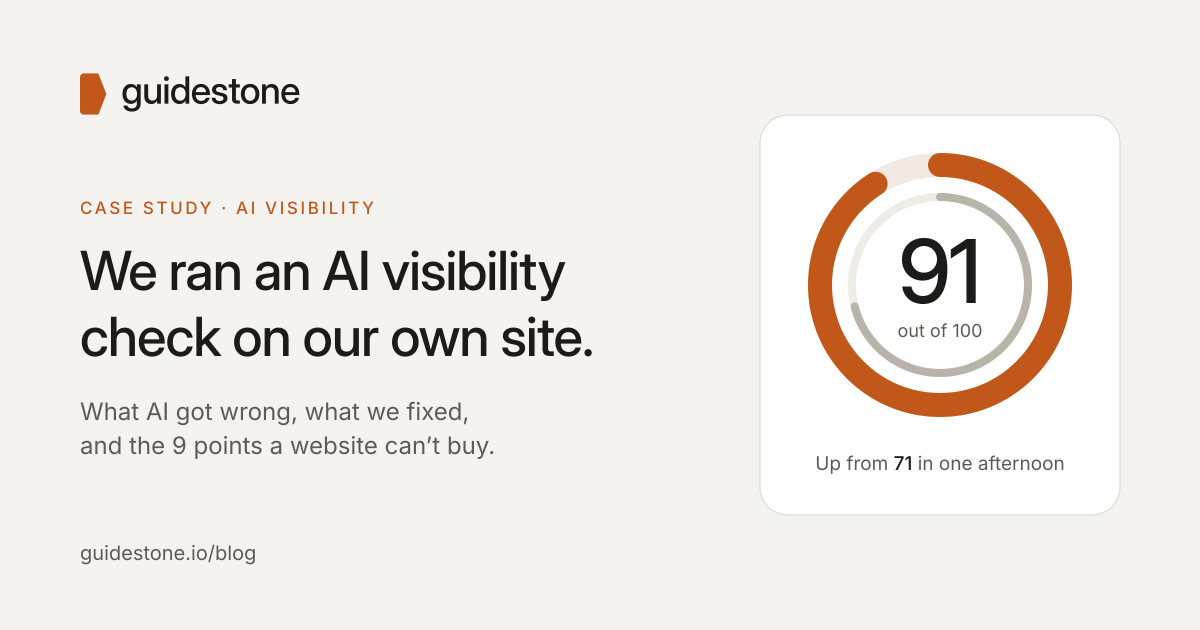
Before asking anyone to trust our AI Visibility Check, we ran it on ourselves. guidestone.io was a few days old, built from scratch to be easy for AI to read, and it still scored 71 out of 100.
Here’s what an AI reader actually saw, what we fixed, what’s still missing, and how you can run the same check on your own site.
How we checked
We read every page in the site’s navigation with an AI web reader: the same kind of fetch-and-summarize tool ChatGPT, Claude and Perplexity use when they browse. For each page, we asked it what the business does, where, for whom, at what price, and how to get in touch, and to flag anything unclear or contradictory. These readers don’t run JavaScript, so anything that only appears after a script runs is invisible to them.
Then we checked the technical files AI tools look for (robots.txt, llms.txt, the sitemap and structured data) in a real browser, and scored the site on ten criteria worth 10 points each.
What AI got right
Every page told AI what Guidestone does, where we work, who we serve, what each service costs and how to book a call. The site has a plain-language facts page for AI assistants, an llms.txt file, structured data on every page, and a robots.txt that explicitly welcomes AI crawlers. That’s more than most small-business sites have.
What tripped it up
Our email address was invisible. Our host, Cloudflare, hides email addresses from bots to stop spam harvesting, and turns the feature on automatically for new sites. People see the address normally. AI readers don’t. Here’s what the reader reported on our contact page:
Email: Shown as “[email protected],” a placeholder from Cloudflare’s email obfuscation, so the address isn’t readable in the text.
One switch in the Cloudflare dashboard fixed it.
Text meant only for people was read as content. The form’s hidden error message (“Something didn’t go through”) was in the page code, so the AI reader concluded the form might be broken. A hidden spam-trap field labeled “Leave this empty” read like an instruction.
Small contradictions added up. One page said “statewide,” another named four counties. One link for the free check went to the pricing page; the rest went to the check itself. Each is minor. Together they make AI less sure what’s true.
Our own score was undefined. We talked about the Guidestone authority score everywhere and never explained how it’s calculated. So we published the method: 40 points for being found, 30 for being cited, 30 for being recommended.
Before and after
| # | Criterion | Before | After |
|---|---|---|---|
| 1 | Company facts stated in readable text | 7 | 9 |
| 2 | Facts consistent across pages | 8 | 10 |
| 3 | Pricing published | 9 | 10 |
| 4 | What’s included in each service | 7 | 10 |
| 5 | Service levels and terms | 5 | 10 |
| 6 | Proof in readable text | 2 | 2 |
| 7 | llms.txt and AI facts page | 9 | 10 |
| 8 | Structured data matches the visible site | 9 | 10 |
| 9 | A contact route AI can use | 8 | 10 |
| 10 | Technical and copy hygiene | 7 | 10 |
| Total | 71 | 91 |
What changed, all in one afternoon and without changing what we sell:
- Added our town, phone number and team size
- Published billing, cancellation and response-time terms
- Made every page say the same thing about where we work
- Hid form-only text from AI readers
- Turned off the email scrambling
The 9 points we can’t fix on the website
Proof. We’re new, so there are no client case studies, reviews or outside mentions yet, and AI noticed. Every reader called our results “self-reported.” No amount of website polish replaces other people vouching for you.
That’s the part of AI visibility most businesses underestimate. Your website gets you found. Other sites saying good things about you get you cited. Only both together get you recommended.
How to run this check on your own site
You can do a rough version of this yourself in under an hour.
- Ask an AI to read your homepage. Paste your URL into ChatGPT or Perplexity and ask: “Read this page. What does this business do, where, for whom, at what price, and how do I contact them? What’s unclear?” Compare the answer with the truth.
- Look for hidden contact details. Right-click your contact page and choose View Page Source, then search for your email address. If you find “email-protection” or “[email protected]” instead, AI can’t read it either.
- Check that AI crawlers are welcome. Open yoursite.com/robots.txt and make sure it doesn’t block GPTBot, OAI-SearchBot, ClaudeBot or PerplexityBot. If you use Cloudflare, check its AI bot settings too.
- Hunt for contradictions. List your service area, hours, prices and phone number, then check every page says the same thing. Old pages and footers are the usual culprits.
- Ask the customer’s question. In ChatGPT, Google and Perplexity, ask what a customer would: “best [your service] in [your town].” Note whether you come up, and who does.
If you’d rather we do it, request a free check. You’ll get the same one-page summary we ran on ourselves, including how you compare with competitors you name.