
How to get your business into Google AI and Perplexity answers
What Google and Perplexity say it takes to be cited in their AI answers, and seven steps Connecticut businesses can take this month to show up.
By Carl Keyser ·
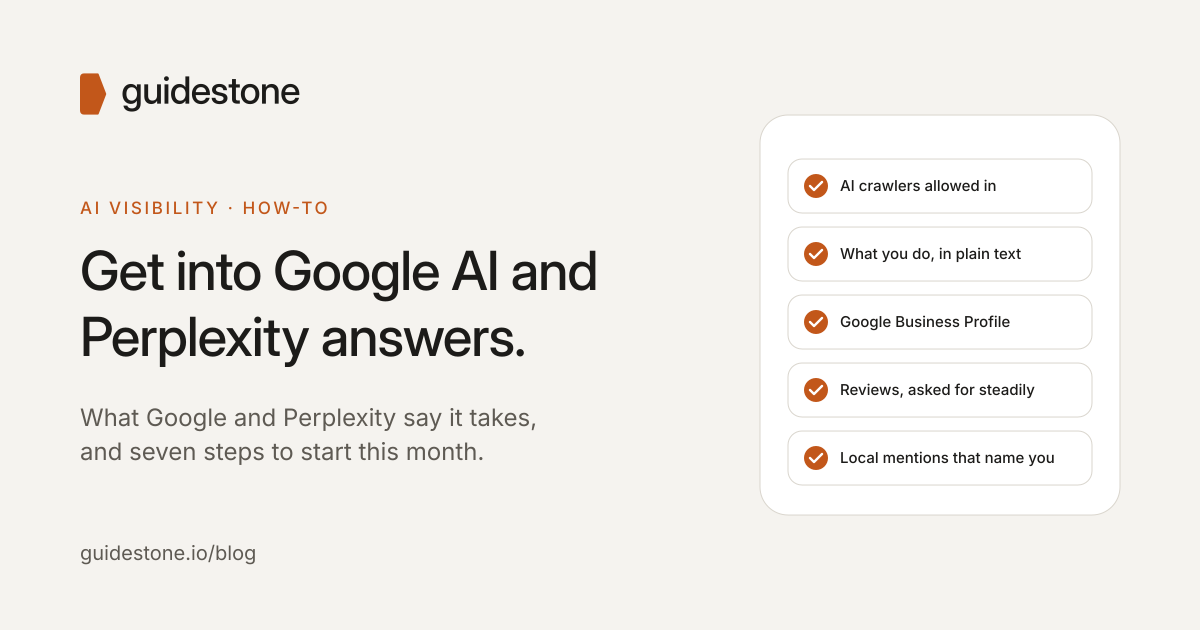
When someone in Waterbury asks Google’s AI Mode or Perplexity “who should I call for this?”, they get a short answer with a few businesses and links to the sources. Getting into that answer isn’t a trick. It comes down to two things: the AI tool has to be able to read your website, and the rest of the web has to back up what your website says.
Here’s what Google and Perplexity say themselves, followed by the steps we recommend to Connecticut businesses.
What Google says
Google’s AI Overviews and AI Mode are part of Google Search. Google says that to be shown as a supporting link, a page must be indexed and eligible to appear in Search with a snippet, and that there are no additional technical requirements (Google Search Central). In other words, there’s no separate AI sign-up or special file. Clicks and impressions from these AI features are counted in your overall search traffic in Search Console.
What Perplexity says
Perplexity uses its own crawler, PerplexityBot, to find pages it can cite. It recommends allowing PerplexityBot in your site’s robots.txt file and allowing its published IP addresses, and says changes can take up to 24 hours to take effect (Perplexity).
Seven steps to take this month
1. Make sure AI tools are allowed in. Open yoursite.com/robots.txt and check that it doesn’t block Googlebot or PerplexityBot. If your site sits behind Cloudflare or another firewall, check its bot settings too. A site that blocks the crawler can’t be cited, however good it is.
2. Say what you do in plain text. Your home page should state what you do, where and for whom, in words, not only in images, PDFs or anything that loads after a script runs. “Family-owned CNC machine shop in Waterbury, CT, serving aerospace and medical manufacturers” gives AI something to repeat. “Excellence since 1975” doesn’t.
3. Complete your Google Business Profile. Use the same business name, address, phone number and website as your site, pick accurate categories and keep your hours current. Google says its local results are based mainly on relevance, distance and prominence (Google Business Profile Help).
4. Ask for reviews, steadily. Reviews feed into prominence on Google. A business with decades of happy customers and three reviews looks, from the outside, like a business few people have heard of. Ask recent customers, and reply to the reviews you get.
5. Get mentioned by people who know you. Your chamber of commerce directory, local news, industry associations, suppliers and partners. Each mention that names your business and town is outside confirmation that you’re real and do what you say.
6. Answer the questions customers ask. Put prices or price ranges, service areas, turnaround times and the questions you hear every week on your site in plain language. AI answers are built from text like this.
7. Check the answers yourself. Ask ChatGPT, Google AI Mode and Perplexity the questions your customers ask, such as “best accountant near Waterbury, CT”, and note who they name. Do it again in a month. Answers vary from day to day, so look for the pattern, not one result.
What doesn’t help
Google says you don’t need special AI files or markup to appear in its AI features. There’s no submission form to fill in, and no one can guarantee a place in an AI answer. The work is the same as earning a good reputation online: a clear website, accurate listings, real reviews and real mentions.
Where Guidestone comes in
Guidestone is an AI visibility and fractional marketing firm in Waterbury, Connecticut. Our free check asks ChatGPT, Google AI and Perplexity the questions your customers ask, shows who they name, and lists the top three fixes for your business.
Find out whether AI names your business. Request a free AI Visibility Check, read what an AI visibility audit costs, email carl.keyser@guidestone.io or call (860) 946-9030.